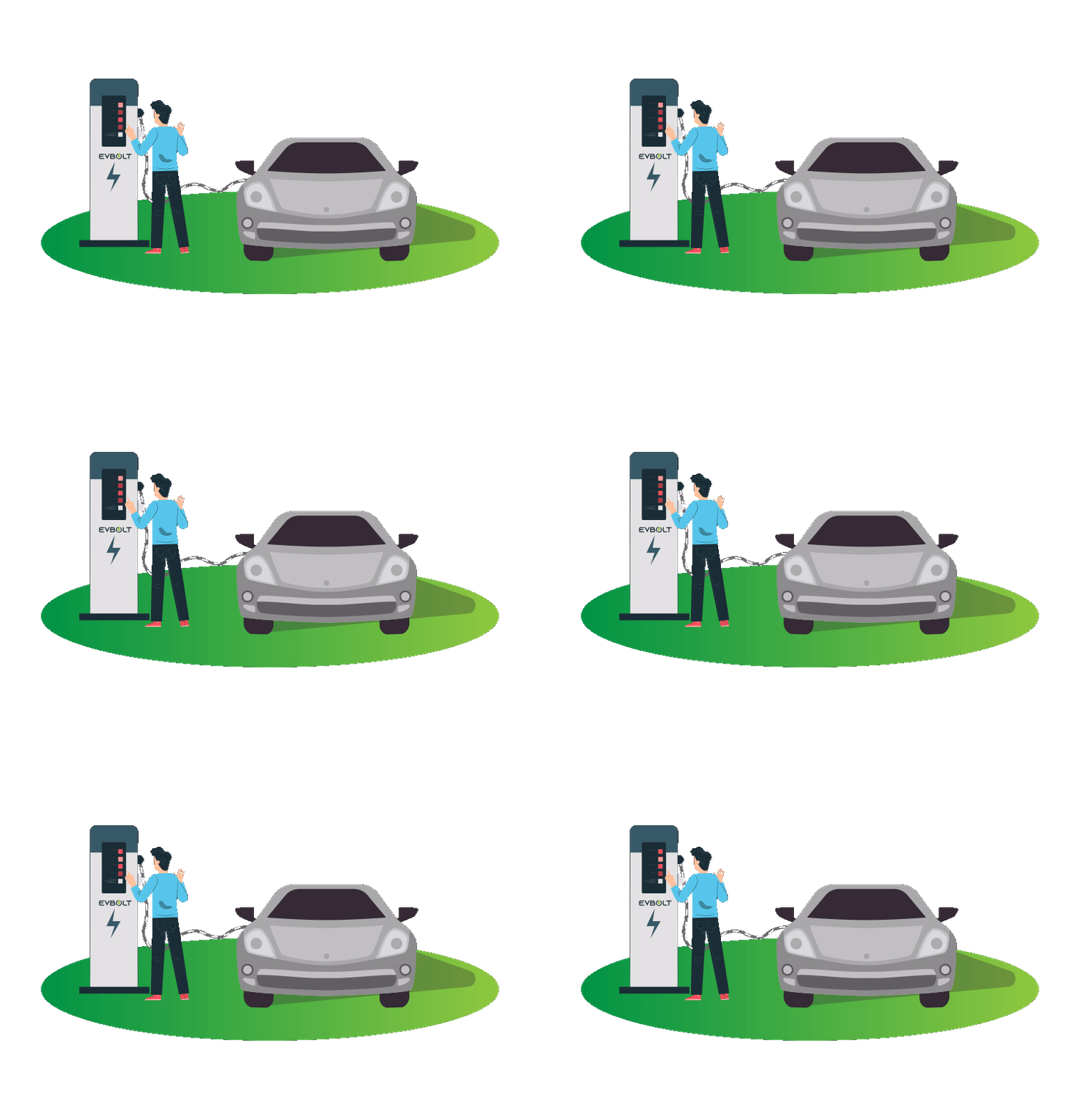
Witness the leading EV Charging network in North America! EVBOLT will accompany you throughout your electric vehicle journey. With thousands of locations, you can always find usnearby. Join the EVBOLT+ Family EVBOLT+ Active Roaming Capabilities with other EV Charging Networks All trademark logos are the property & exclusive rights of their respective owners. How to Use the EVBOLT+ App in 3 Easy Steps Download the App on iOS or Android Download the EVBOLT+ App on your smartphone and log in or register.Select the charging station according to its location, station ID, availability, provided power level, and accessibility.To commence your charging session, scan the station’s QR code or input the station ID using the EVBOLT+ App. Start Your Charging Session Upon activation of the charger, proceed to select the appropriate port, connect it to your vehicle, and complete the payment process.Lastly, opt to receive notifications via an in-app message or email upon completion of your charge session.Note: Payment can be made via three methods—through the EVBOLT+ App, utilizing the station’s credit card reader, or employing an RFID card. Charge up and Go When you’re prepared to resume your journey, please return to the charger and conclude your session via the EVBOLT+ App.Then disconnect the connector and return it to its holster Still Got Questions? If it’s still unclear on how to charge your electric vehicle, please call EVBOLT Customer Support at (866) 521-2658We’re here for you 24/7. LET'S CONNECT